 FarryOn
Notes, reminders and past chats
Tell Farry to remember something or to remind you, in your own words. She saves it for you — and you can ask about it later, or see everything in Your stuff.
1Save a note or a reminder
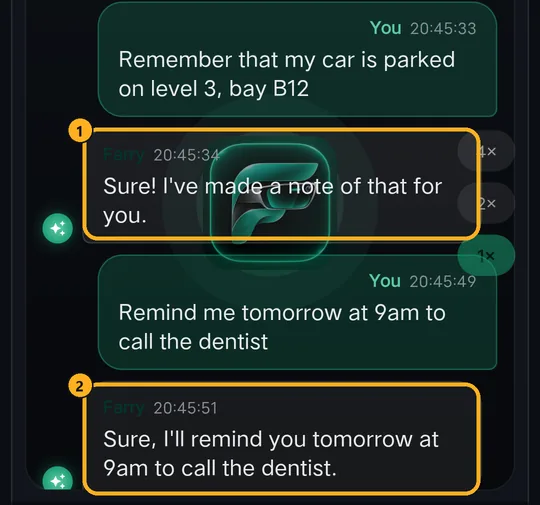
Just say it:
“Remember that my car is parked on level 3, bay B12.” 2A reminder — say “remind me…” with a time:
“Remind me tomorrow at 9am to call the dentist.”
Farry confirms each one. Other ways to say it work too — “make a note: buy milk and eggs”, and “remind me in 20 minutes to take the tea out”.
2Ask Farry about them
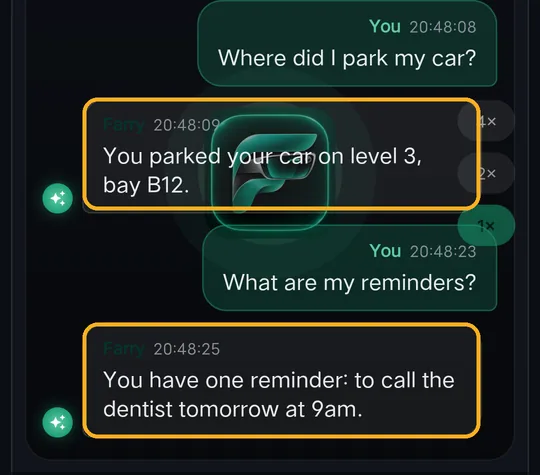
The easiest way to find a note is to ask:
- “Where did I park my car?”
- “What are my reminders?”
- “What did I note about the plumber?”
- “Cancel the dentist reminder.”
3Open Your stuff
On the home screen open the menu ⋯ and tap the grid icon:

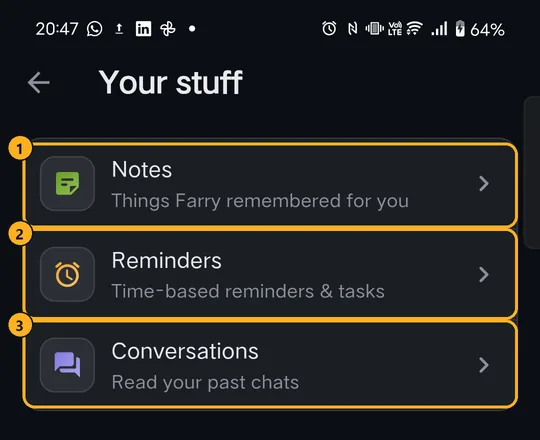
The same three are also in Settings → Your stuff.
4Notes
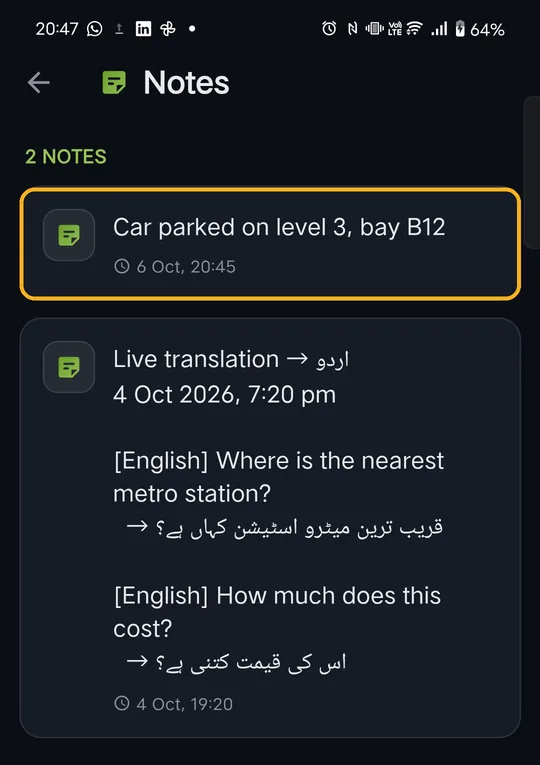
Newest first, with the date and time each was saved. Translations you saved in Live translation (Part 3) appear here too.
To delete a note, swipe it to the left and confirm.
5Reminders
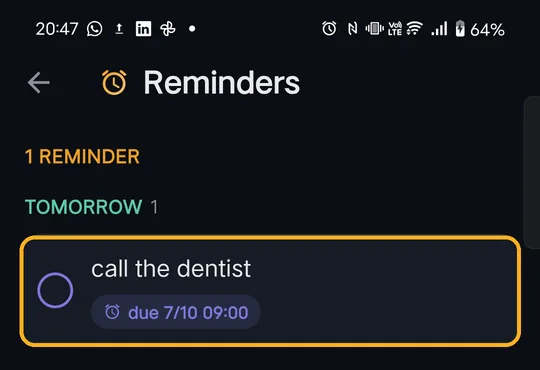
Grouped as Overdue, Today, Tomorrow, This week and Later, with the due date and time.
- Done? Tap the circle to tick it off. Tap again to undo.
- Not needed? Swipe it left to delete.
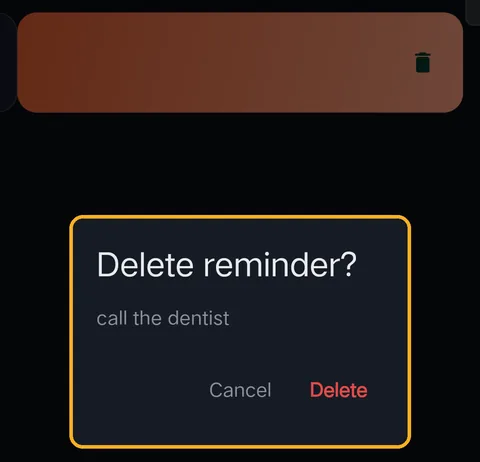
Deleting always asks first. Tap Delete to remove it — its notification is cancelled too — or Cancel to keep it.
6Past conversations
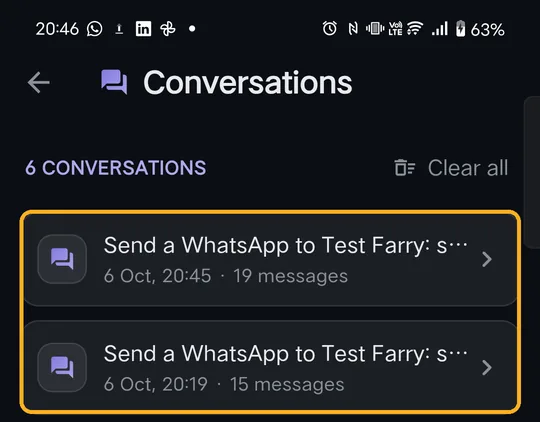
Each session you have with Farry is saved here when it ends, with its date and how many messages it had. Tap one to read it again.
- Swipe a conversation left to delete it.
- Clear all deletes every saved conversation (it asks first).
Deleting a conversation doesn't delete notes or reminders made during it.
?If something goes wrong
| What you see | What to do |
|---|---|
| A reminder didn't ring | Allow Notifications for Farry. On some phones also set Farry's battery use to Unrestricted (Settings → Apps → Farry → Battery). |
| The reminder is at the wrong time | Say the time clearly, with am/pm or “in the evening”. Check it in Reminders and ask Farry to change it. |
| “No notes yet” but I asked Farry to remember | Use the word “remember” or “make a note”, and wait for Farry to confirm. Pull down to refresh. |
| A past chat is missing | Chats are saved when a session ends. Your current session appears after it ends. |
Still stuck? Message us on WhatsApp — a real person answers.
Sat–Thu, 10:00–19:00 GST