 FarryOn
All settings
What every setting does. Open it from the menu ⋯ → Settings (the gear), or tap your initial. Most pages have a Save & reconnect button at the bottom — the change takes effect when you tap it.
1Assistant
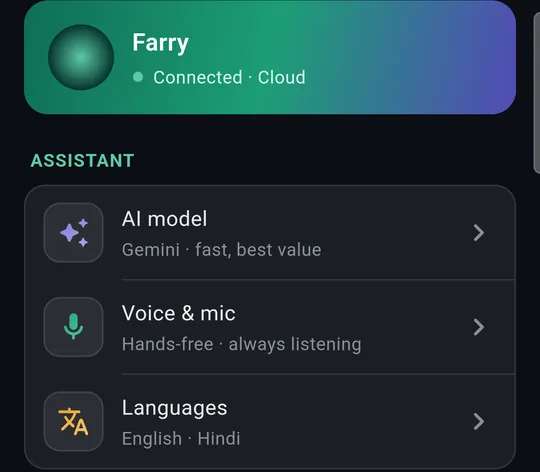
The card at the top says whether Farry is Connected and to which server.
Under Assistant: AI model, Voice & mic, and Languages.
AI model
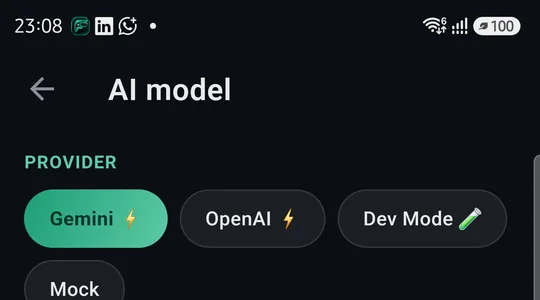
- Gemini — fast, smooth voice and vision, best value. Recommended.
- OpenAI — also fast; a premium alternative.
Voice & mic
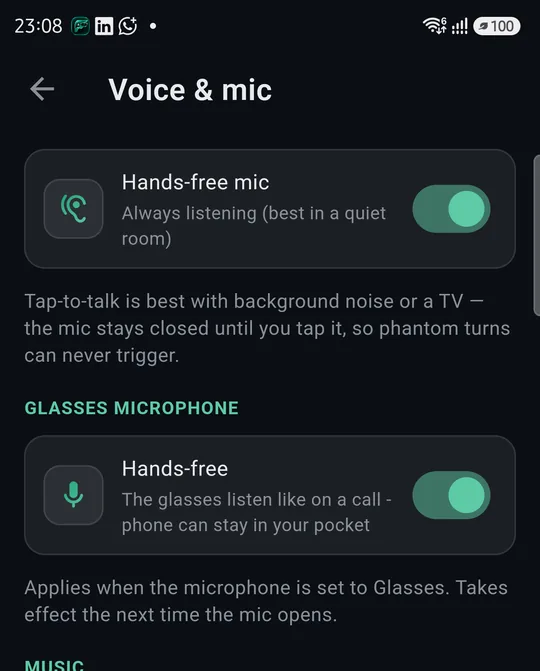
- Hands-free mic — on: Farry is always listening (best in a quiet room). Off: tap-to-talk — the mic stays closed until you tap it, so a TV or background noise can't trigger her.
- Glasses microphone · Hands-free — the glasses listen like a phone call; the phone can stay in your pocket. Applies when the microphone is set to Glasses.
- Lower music while talking — asks your music app to turn down while you speak, like a navigation prompt does.
Languages
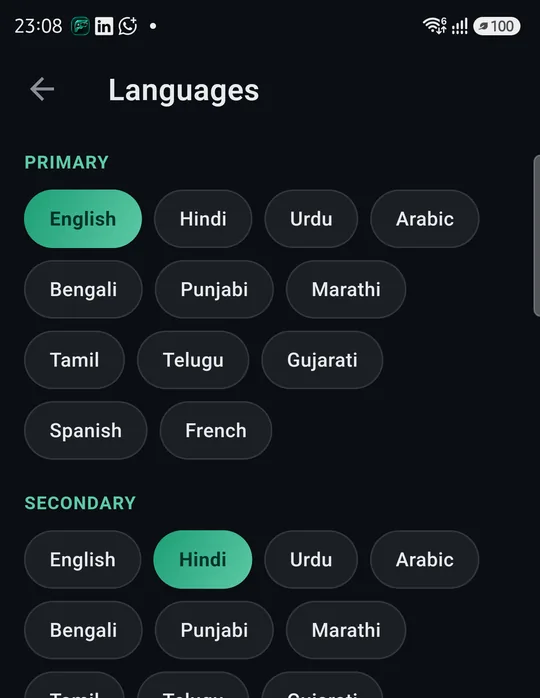
Farry answers in whatever language you speak. These two only decide the tricky cases — mixed or very short sentences:
- Primary — used first, and for reminders and when Farry speaks on her own.
- Secondary — your other everyday language.
Applies from the next session.
2Devices
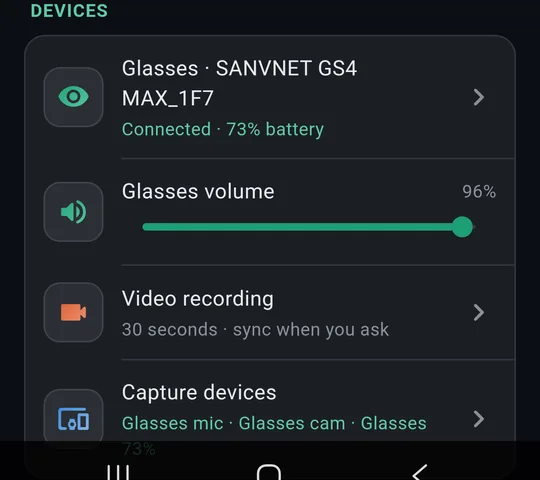
- Glasses — connect, restart, reset, versions (Part 2, step 3).
- Glasses volume — how loud Farry is in your ears. Slide it.
- Video recording — length and copying to the phone (Part 2, step 6).
- Capture devices — which microphone and camera Farry uses (Part 2, step 4).
3Connections
Web search
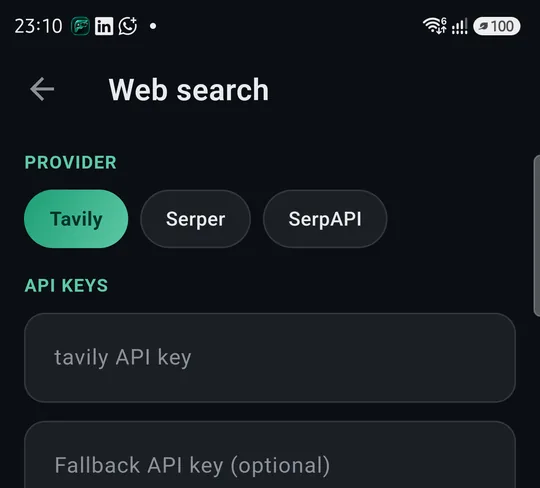
You don't need to set anything here. Web search works out of the box — just ask Farry (“What's the weather in Dubai tomorrow?”).
Only if you have your own account with a search provider (Tavily, Serper or SerpAPI) can you choose it and paste your key; FarryOn then uses your key instead. Leave the boxes empty otherwise.
Server
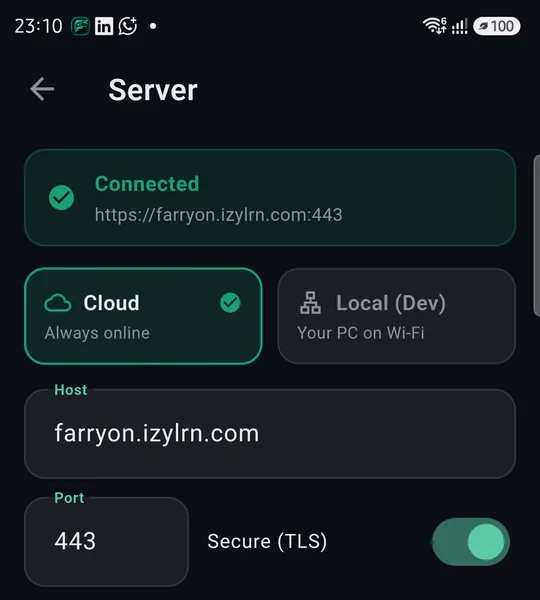
Keep it on Cloud — Connected · https://farryon.izylrn.com:443 with Secure (TLS) on.
4Your stuff and account
- Notes, Reminders, Conversations — Part 6.
- Your name and email — the account you're signed in with.
- Subscription — Part 7.
- Sign out — signs out on this phone. Your notes, reminders and plan stay with your account.
5App update, debug logs, version
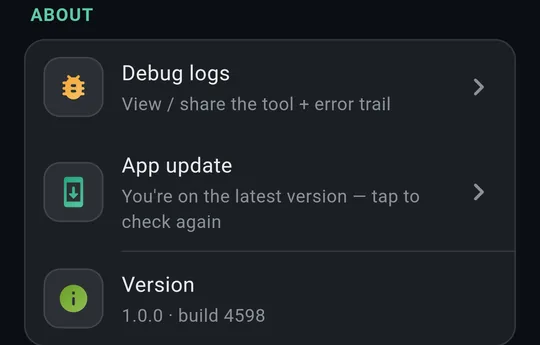
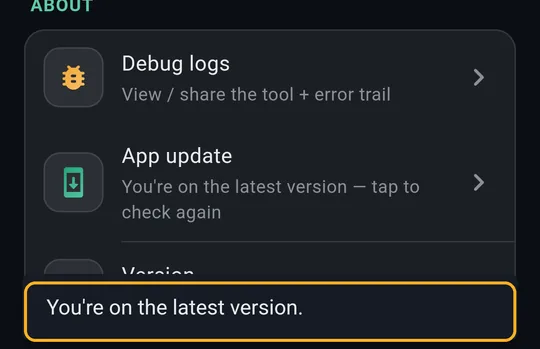
- App update — tap to check for a newer version. When one is out, FarryOn also tells you when it opens; tap Update, and install it the same way as the first time (Part 1, step 2).
- Version — the number to tell support, e.g. 1.0.0 · build 4598.
- Debug logs — a record of what the app did, for support.
Sending debug logs to support
If support asks for logs, open Debug logs and use the buttons at the top:

Copy · Share (send it to us on WhatsApp or email) · Delete (clear the log).
?If something goes wrong
| What you see | What to do |
|---|---|
| Top card says not connected | Check your internet. Settings → Server should be Cloud. |
| A change didn't apply | Tap Save & reconnect at the bottom of that page. |
| Farry answers strangely or not at all | Settings → AI model → choose Gemini, then Save & reconnect. |
| Farry hears the TV | Voice & mic → turn Hands-free mic off (tap-to-talk). |
Still stuck? Message us on WhatsApp — a real person answers.
Sat–Thu, 10:00–19:00 GST